
Private notebooks for your HighLevel sub-accounts
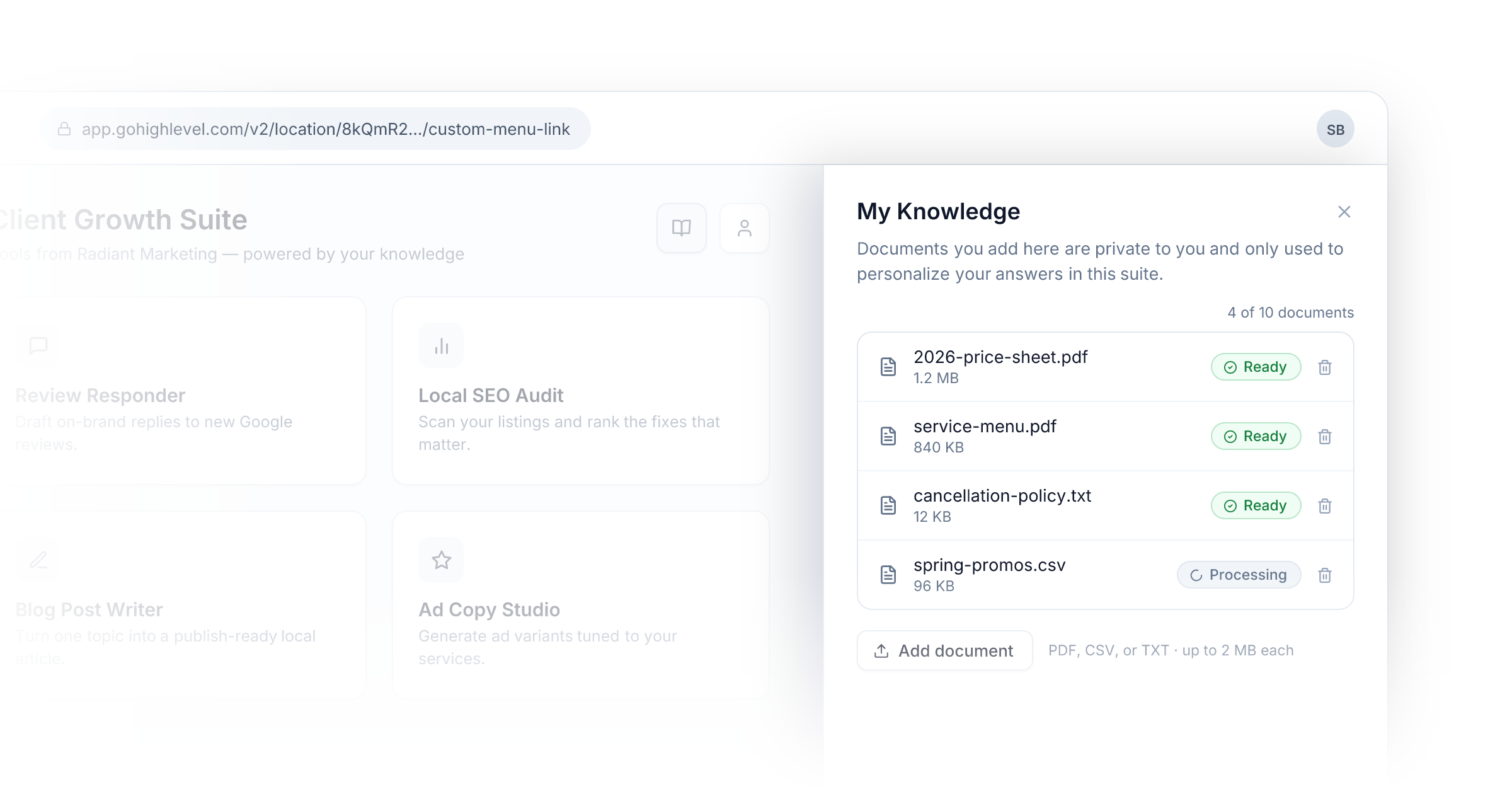
Your Suites have always run on the knowledge you give them. Now the people using them can bring their own.
With End-User Notebooks, every HighLevel sub-account you've connected gets a private My Knowledge section inside a Suite. Users signed in through HighLevel can upload up to 10 documents each — PDF, CSV, or TXT, up to 2 MB per file — and from that moment, the Agents and Flows they run draw on those documents alongside the knowledge you've built into the Suite.
Why this matters
If you're an agency, one Suite usually serves many locations. Until now, tailoring answers to each client meant building something custom for each one. With notebooks, you build the Suite once and every location personalizes it for themselves: their price sheets, their service menus, their policies. The same Agent gives every client answers grounded in their business.
Private by design
- A sub-account's documents are visible only to that sub-account. Other locations never see them, and uploads never change your shared knowledge.
- Notebooks are only available to verified, signed-in users — anonymous visitors never get one.
You stay in control
- Notebooks are off by default. Turn them on per Suite from the Suite's settings.
- Need finer control? The HighLevel integration page now has a per-sub-account Notebooks setting — enable it for a select few locations while the Suite default stays off, or switch off a single location without touching the rest.
- Admins can review every uploaded document and disable any of them instantly if something doesn't belong.