Capture expertise

Capture what your best people know before it walks out the door.

Knowledgebases hold the documents, drives, and sites your expertise already lives in. Agents and flows answer from them and cite the source. The asset is named, versioned, and owned by your organization, so it stays when the person goes.

Your best judgment sits in one person's head, booked out for weeks. Everyone else waits, guesses, or asks a chatbot that has never read your files. When that person leaves, the business starts from zero. FormWise takes the judgment from the material it already lives in and makes it something the whole team works from.

How it works

From a specialist's files to an asset on the books.

Gather the source, draft the agent, publish a version the business owns.

01
Knowledgebases
Every plan

Start from the material the expertise already lives in.

Upload files, write Docs, crawl your website, and connect Google Drive or Notion once for the whole workspace. New and changed files import on their own, files removed at the source leave the knowledgebase too, and every answer cites the source it came from.

  • PDF, Word, Google Docs, Markdown, CSV, plain text, websites, and YouTube.

  • Drive and Notion sync hourly, daily, or only when you say so, with Sync now for anything urgent.

  • Agents can write pages back to a knowledgebase, with revision history and your approval on every change.

02
Agent Wizard

Hand it the documents. Get back an agent that answers like your specialist.

Give the new agent a name, a role, and a sentence about what it should do. Attach the knowledgebases and the Wizard reads them and drafts the rest: summary, goals, what is out of scope, personality, and guardrails. You review every field before anything goes live.

  • Methodology and terminology come straight from your sources, not from generic training data.

  • Review every drafted field before you click Create Agent. Nothing goes live unreviewed.

  • Pair it with Flows that run the specialist's process step by step and end in finished work.

03
Versions

Published, named, and owned by the business.

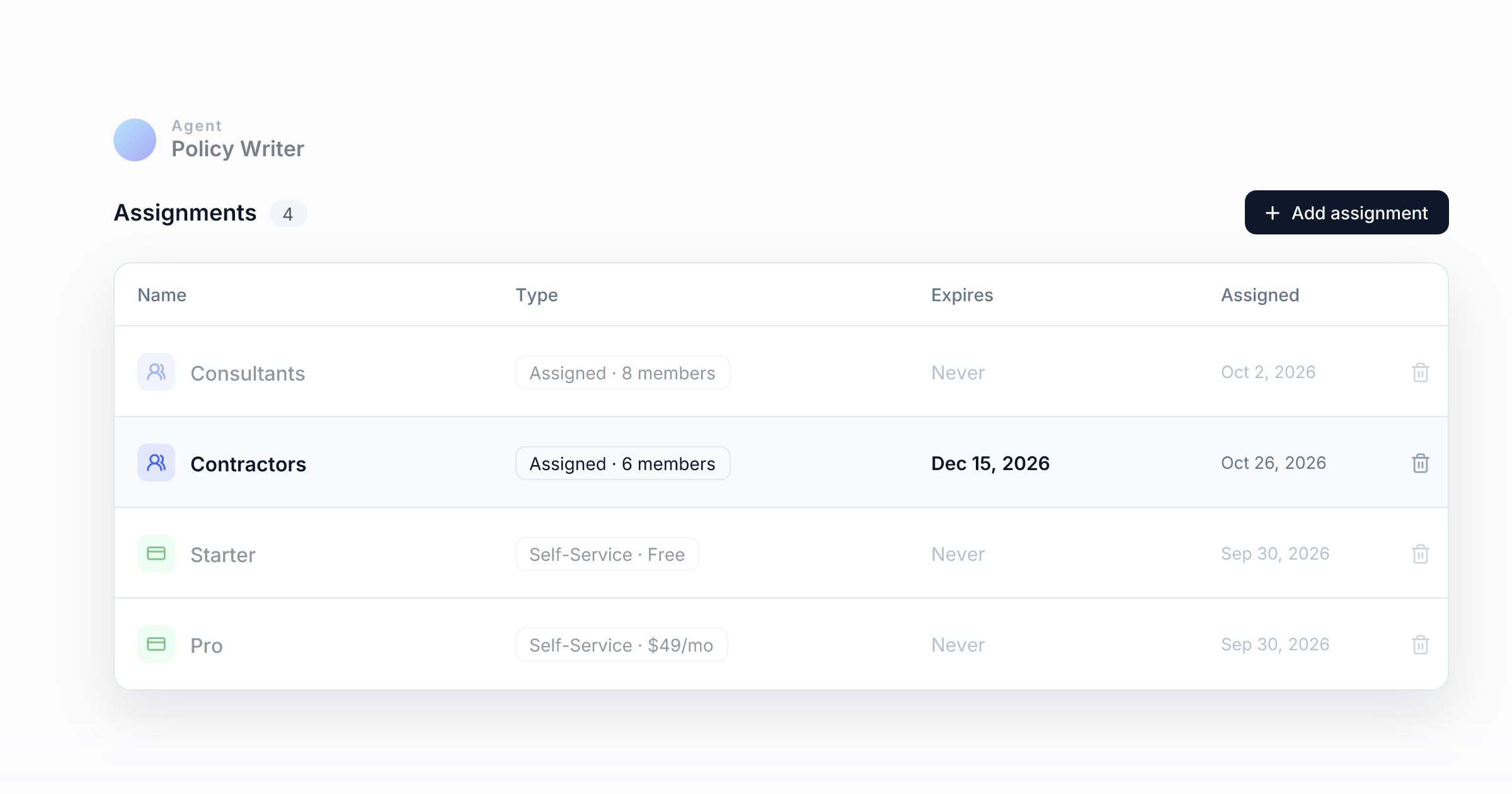
Publishing locks in a named version. The history shows every version, who published it, and which one is live, and end users never see a draft. Agents, flows, and knowledgebases belong to your organization, not to the person who built them, so the next person starts years ahead instead of from zero.

  • Every version is kept. Make an earlier one live again at any time.

  • Drafts stay private to your team in the editor until you publish.

  • Roles decide who can change an asset and who can only run it.

Also built in

What keeps the capture honest.

Cited answers

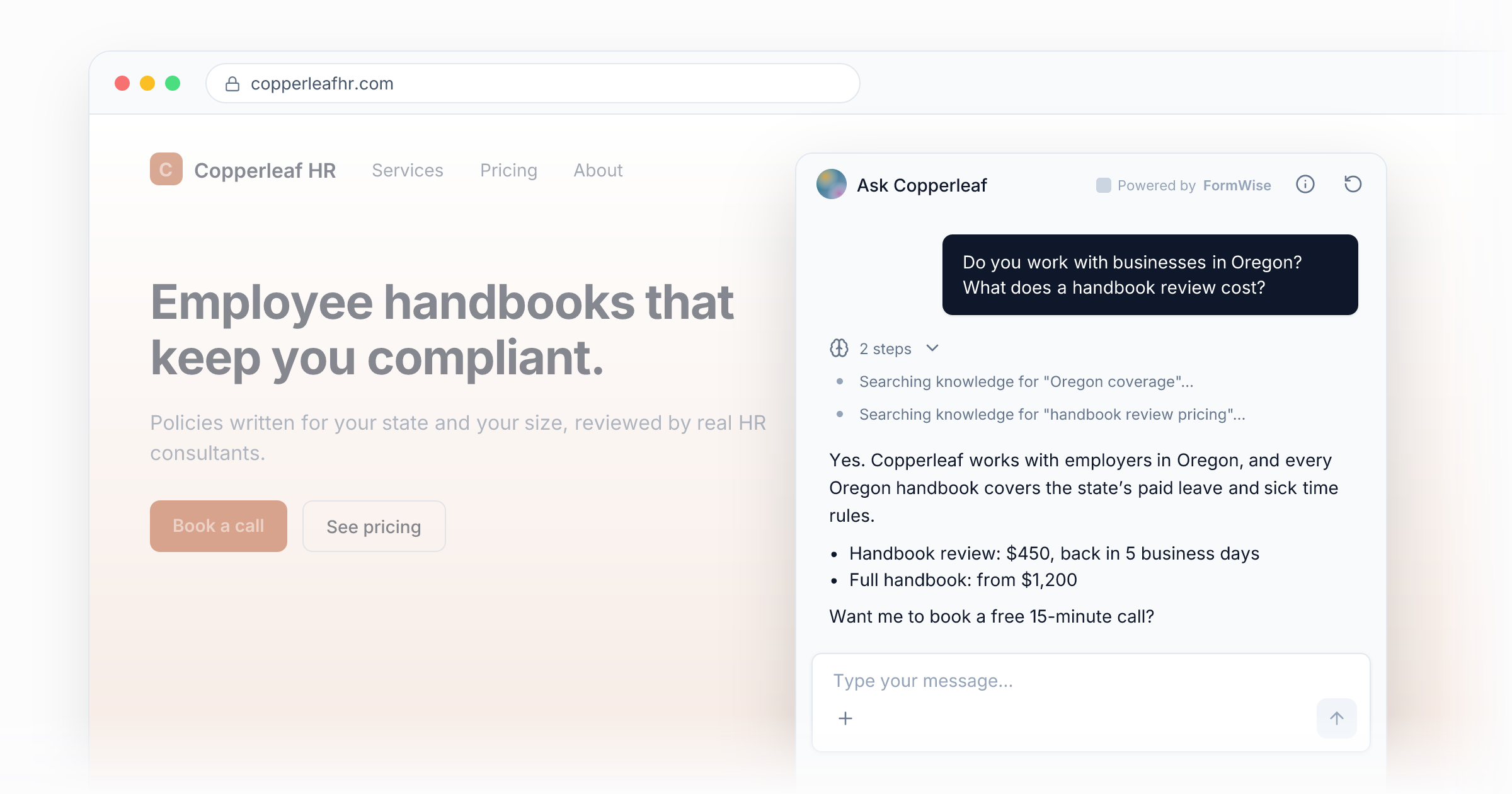
Answers point back to the file or page they came from, so a reviewer can check the source instead of taking the agent's word for it.

Memory your organization owns

What an agent learns over time is stored as memories scoped to your organization and visible only to its members. Edit or remove any that go out of date.

Live preview

Chat with an Agent or App inside the editor while you build it, before anyone else sees it.

Monitor

Runs, unique users, completion rate, error rate, and average run time for the last 30 days.

Start with one specialist and one process.

Ingest the documents the expertise already lives in, draft the agent, and put it in front of one team. Every plan starts with a 7-day free trial and an onboarding call with our team.

Questions, answered.

Something else on your mind? Write to hello@formwise.ai.

Files you upload (PDF, Word, Google Docs, Markdown, CSV, and plain text), Docs you write in FormWise, websites you crawl, YouTube videos, text snippets, and folders synced from Google Drive or Notion. Synced content arrives as a folder of its own and stays current on the schedule you choose.

Agents search the knowledgebases you attach for the most relevant passages and compose an answer from them, with citations, so anyone can check it against the source. The guardrails the Wizard drafts, and the ones you add, tell it what is out of scope.

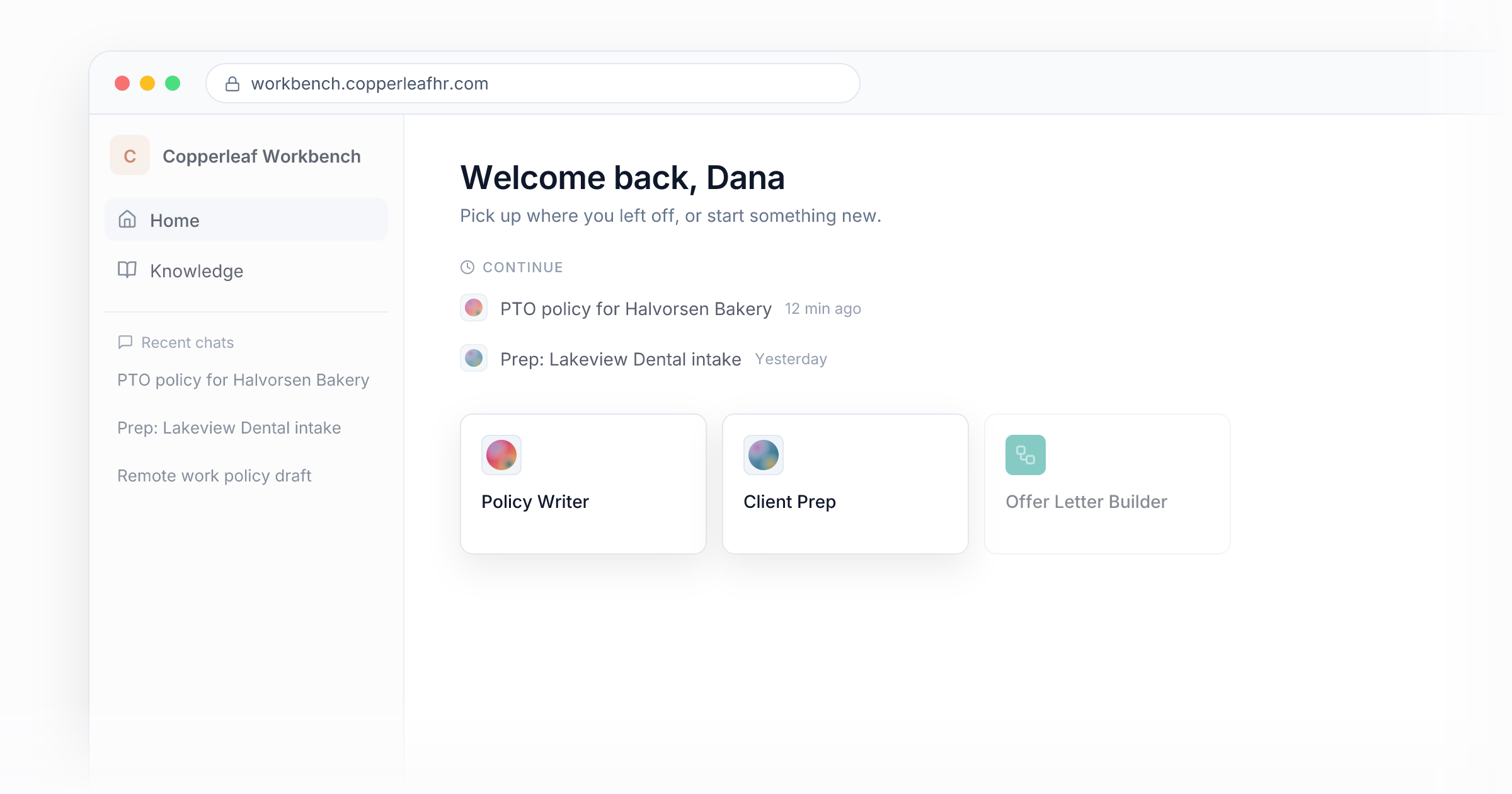
Your organization. Agents, flows, Apps, knowledgebases, memories, and run history belong to the workspace, not to the member who created them. When someone leaves, remove them and everything they built stays.

If the document lives in a synced Google Drive folder or Notion database, the next sync picks up the change on its own. You choose hourly, daily, or manual, and Sync now runs one on demand. Uploaded files are replaced by uploading the new version.

Yes. Publishing creates a named version and earlier versions stay in the history. Open an earlier version and make it live again, and the versions in between are kept.

Knowledgebases, the Agent Wizard, and versioning are on every plan. The number of knowledgebases and sources depends on your plan; Pro and Agency include unlimited knowledgebases.

Expertise retires. Assets don't.

Start your 7-day free trial, ingest the documents your expertise already lives in, and put the first agent in front of your team this week.

7-day free trial. Onboarding call included. Cancel anytime.